
01
Simple Setup
Three steps: plan, setup details, compatible player. No cable installer appointment.
Visual ticker of U.S. cities. The service is offered to customers in the United States.
United States · Internet television
IPTV USA Premium is internet television for compatible U.S. devices: choose a plan, receive setup information, then configure a player on a Smart TV, Firestick, phone, computer, or Android TV Box. Playback uses your internet connection.
You are responsible for using this service only with content and sources you are authorized to access. IPTV USA Premium does not grant rights to third-party television networks, studios, or streaming platforms, and does not claim official partnerships with those providers.
Benefits
Practical setup, listed plan terms, and device guidance—without fake scarcity or unverifiable claims.
01
Three steps: plan, setup details, compatible player. No cable installer appointment.
02
3, 6, 12, and 24 month terms on Standard or Premium Server, with 1 to 4 screens. Longer plans include bonus months as listed in pricing.
03
Smart TVs, Fire TV, Android TV, Google TV, Apple TV, phones, computers, and Formuler—when a suitable player exists.
04
Playback quality depends on source, device, and network. We publish setup and performance guidance instead of empty “always 4K” claims.
05
Contact support with your device model and the error you see. We do not invent wait-time statistics.
06
Device-specific installation pages cover store installs and HDMI alternatives.
07
Video is delivered over IP. If broadband is down, playback is down.
Process
1
Pick Standard or Premium Server, 1 to 4 screens, and a 3, 6, 12, or 24 month term. The 12 and 24 month plans include listed bonus months.
2
After purchase we send the fields your player needs. Keep them private.
3
Install a legitimate player for your device, enter the details, and test playback. You must be authorized for the content you access.
Pricing
Choose Standard Server or Premium Server, tap 1–4 screens, then Subscribe to open the order popup.
Choose your server
1-screen price is the original listed rate, or pick 2, 3, or 4 screens to see the multi-TV total.
The listed everyday option. The 1-screen price is one player at a time. Extra screens add simultaneous connections on the same order.
Popular
+3 months included · 15 months total
Choose your screens
$59
USD
The usual household pick: pay for 12 months and receive 3 bonus months (15 months total).
1 to 4 screens
Choose your screens
$25
USD
Short term for a new TV, a rental, or a Wi-Fi you have not trusted yet. Same setup fields as the long plans—just fewer months.
1 to 4 screens
Choose your screens
$39
USD
A half-year if the 3-month test worked and you are not ready for a 15-month stretch.
Best Value
+6 months included · 30 months total
Choose your screens
$89
USD
Lowest fuss if this is the main TV for two years. Pay for 24 months and receive 6 bonus months (30 months total).
Hardware
Compatibility depends on device model, operating system, and available applications. It is not universal.
Samsung Smart TV
Tizen Smart Hub and year-to-year store differences.
Compatibility notes →
LG Smart TV
webOS Content Store and Magic Remote behavior.
Compatibility notes →
Amazon Fire TV
Fire OS catalog limits, heat, and 4K vs HD sticks.
Compatibility notes →
Android TV
Certified Android TV vs generic boxes.
Compatibility notes →
Google TV
Play Store on Google TV streamers and TVs.
Compatibility notes →
Apple TV
tvOS App Store players only—no sideloading path.
Compatibility notes →
iPhone
A companion screen on Wi-Fi or cellular.
Compatibility notes →
Android phones and tablets
Mobile players, battery limits, and vendor skins.
Compatibility notes →
Windows
Desktop players and HDMI out to a television.
Compatibility notes →
macOS
Mac apps, Gatekeeper, and external-display color.
Compatibility notes →
Formuler
Ethernet-first boxes and official player fields.
Compatibility notes →
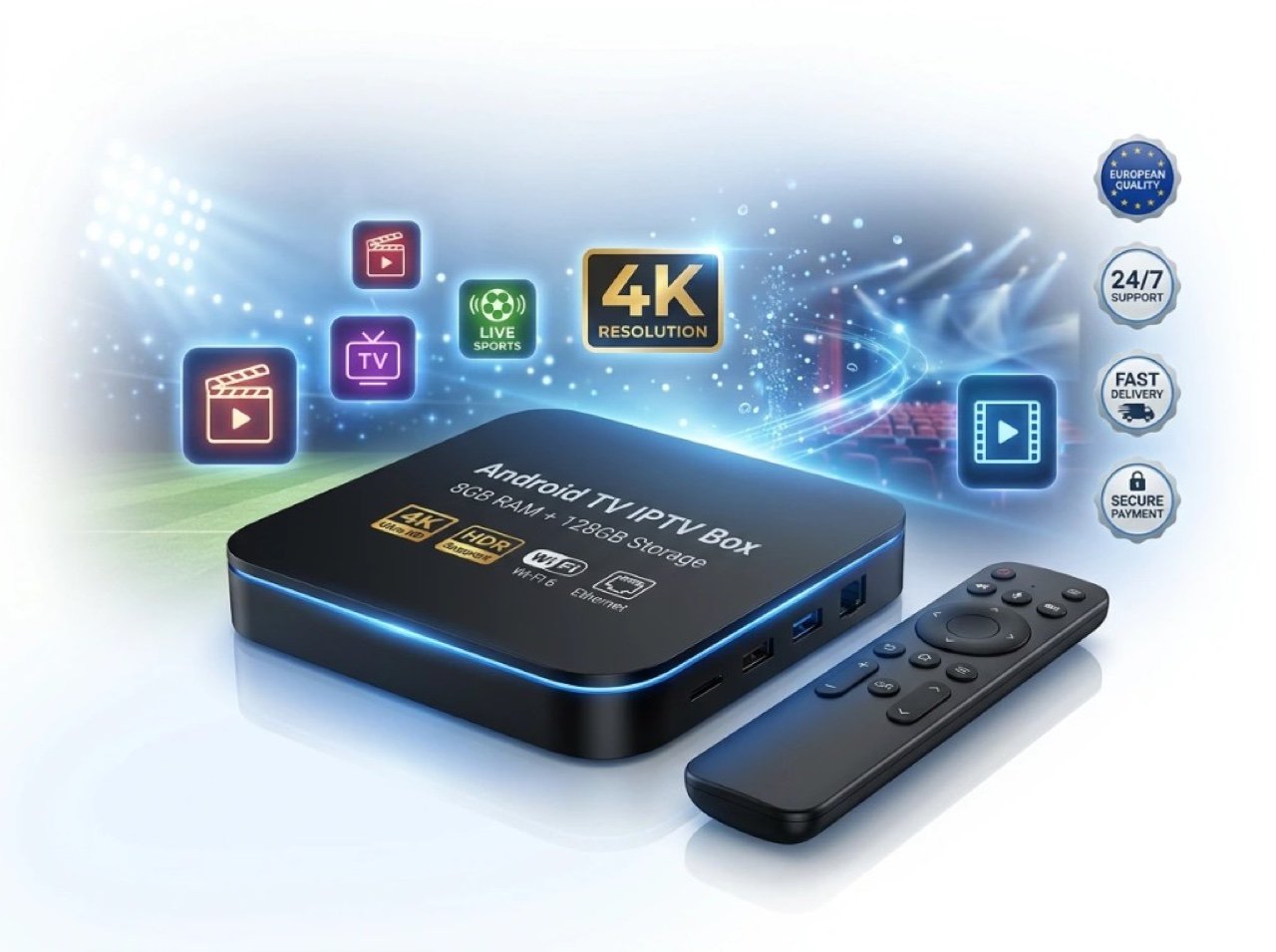
Android TV Box
8 GB RAM, 128 GB storage, Wi-Fi, Ethernet, Bluetooth, remote included, and 15 months of service.
$230$150
Trust
We describe an internet TV service and a hardware box. We do not impersonate U.S. cable operators or studio apps.
Compatibility notes and installation steps are separate on purpose, so you are not reading the same paragraph eleven times.
Ethernet, speed, and buffering guides exist because those are the usual failure points—not because we need extra keywords.
Use the installation hub for device-specific steps. The blog does not duplicate those tutorials.
Support
See current pricing, check whether your device has a path, or read the installation hub first.
Pay the way you already use
After we confirm your order by email, you can pay with Visa, Mastercard, PayPal, Carte Bancaire (CB), bank transfer, Apple Pay, or Google Pay. Do not type card numbers in the contact form—we send a secure payment request to the email you provide.
For customers in the United States